How to pay MEPCO Bill online
No need to visit any payment center now you can pay MEPCO bill online. The online payment option is good for you if you have busy routines daily. Now you can pay your Mepco bill using digital wallets that are mobile banking apps from your home or office.
Recently mepco introduced Raast QR code on consumer bills. It allows you to pay your bill quickly and easily. You just need to scan the QR code given on your bill in any digital wallet or bank app. In this guide I have explained all bill payment options in a simple and easy way for you.
Why Online Payment is Better
It is safe, fast and convenient. You don’t have to wait or visit any office.
Benefits of online payment
- Pay bills from home, office or anywhere.
- Avoid standing in long lines.
- Receive instant payment confirmation.
- Keep a record of previous payments.
Methods to Pay MEPCO Bill Online
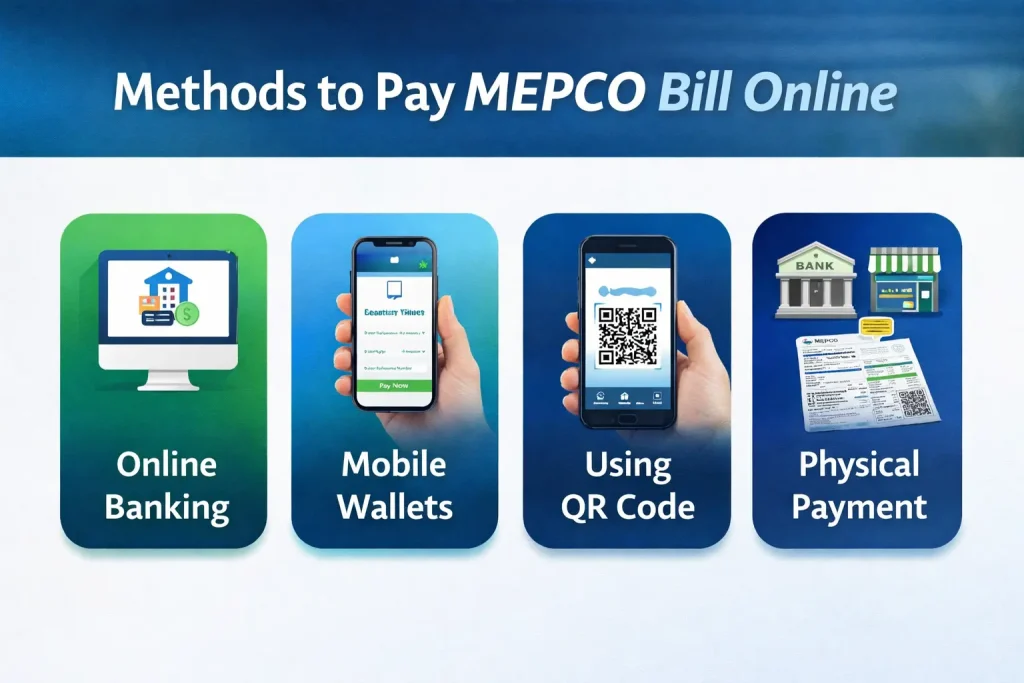
MEPCO bills can be paid using four main methods:
- Online Banking
- Mobile Wallets / Digital Platforms
- Credit/Debit Card Payment via Bank Apps
- Physical Payment (Bank Branches, Post Office, Utility Shops)
We will discuss each method in detail.
Online Banking
Most major banks in Pakistan allow you to pay MEPCO bills through their mobile apps or websites. This method is safe, fast and convenient.
- Open your bank’s app.
- Click the payment option.
- Select company ➞ MEPCO.
- Enter the reference or scan bar code ➞ confirm.
Popular banks supporting MEPCO bill payment:
Bank Name | Website | App Availability |
|---|---|---|
Habib Bank Limited (HBL) | hbl.com | Android / iPhone |
United Bank Limited (UBL) | ubldigital.com | Android / iPhone |
MCB Bank | mcb.com.pk | Android / iPhone |
Standard Chartered Bank | sc.com/pk | Android / iPhone |
National Bank of Pakistan | nbp.com.pk | Android / iPhone |
Meezan Bank | meezanbank.com | Android / iPhone |
Tip: Make sure your bank account has enough balance to avoid failed transactions.
Mobile Wallets & Digital Payment Platforms
Digital wallets make bill payment easy especially if you don’t use traditional banking services.
JazzCash
- Login to your jazzcash account
- Click bill payment option
- Select electricity
- Choose MEPCO
- Enter your 14-digits reference number, (enter it correctly)
- Click on conformation button
- Enter your 4-digits jazzcash password
- Congratulations! You have paid your bill.
Easypaisa
- Open Easypaisa App
- Click utility bill option
- Select Mepco
- Enter reference number or scan bar code
- Click on confirm button
- Enter your easypesa wallet password
- That’s it your bill has been paid successfully!
Daraz Wallet
- Open Daraz Wallet on your mobile or PC.
- Select MEPCO.
- Enter the reference number and click Pay.
Why digital wallets are useful
- Quick payment in a few taps.
- Instant confirmation messages.
- Can be used from anywhere,anytime.
Pay MEPCO Bill Online Using QR Code
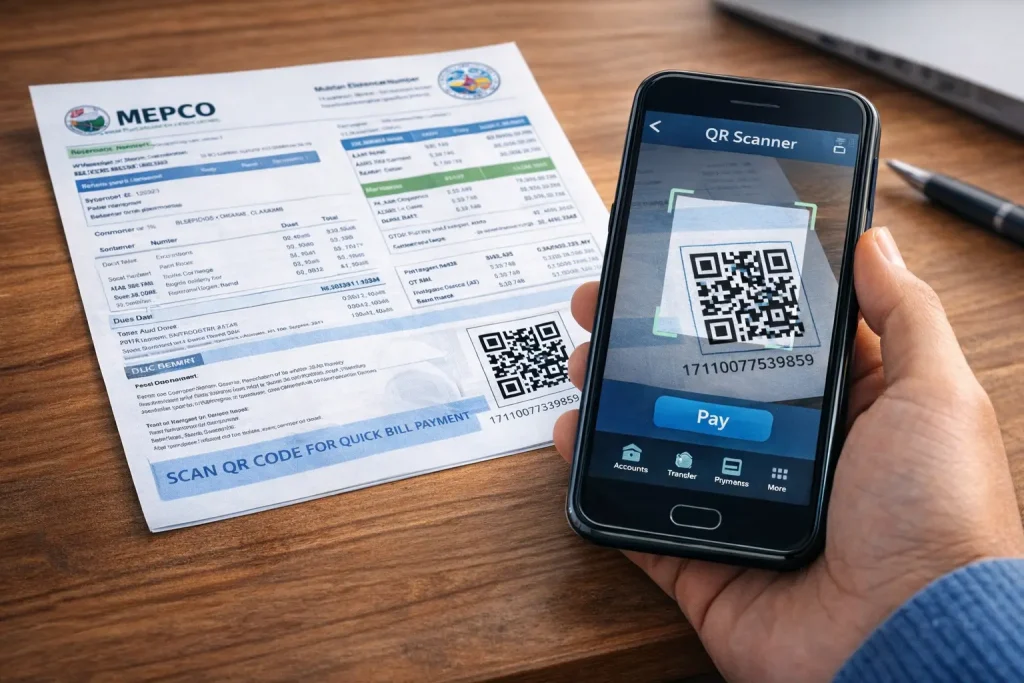
MEPCO has recently added a QR code on electricity bills to help consumers pay their bills more easily. Follow these simple steps to pay using QR code
- Login to your digital wallet or mobile banking App
- Click on QR code scanner
- Scan QR code given on your bill at bottom right corner
- Confirm the payment
This is the easiest and secure bill payment option. My recommendation is to pay your bill using this method.
Paying via Credit/Debit Card
You can also pay your electricity bills through your credit or debit card using bank apps. The method is simple, just login to your bank app, click bill payment and choose Mepco. While conforming select payment option as credit or debit card.
Physical Payment Options
If you don’t have any wallet or bank account don’t worry Mepco accepts payment through the following physical options.
Method | Steps |
|---|---|
Bank branch ( UBL, HBL etc.) | Visit any bank branch ➞ go to cashier counter ➞ give him/her your bill and payment ➞ take back bill with paid stemp. |
Post Office | Visit nearest post office ➞ go to cashier counter ➞ Give him eyour bill and cash ➞ Ask him to pay your bill |
Retailer Shop | Visit any nearby retailer shop like easypesa shop ➞ ask shopkeeper to pay your bill. |
Things to keep in mind:
- Bring your paper bill.
- Payment may take extra time due to queues.
- Ask for a receipt after payment.
Some Helpful Tips
- Check Your bill before payment to make sure all charges are correct
- Save Your 14-digit Reference Number
- Always pay via trusted apps and bank platforms.
- Take a screenshot after payment or save SMS confirmation as proof.
Frequently Asked Questions
Conclusion
Now it’s very easy to pay your MEPCO bill. You can choose your method that suits your schedule:
- Online banking and mobile apps for convenience.
- Digital wallets for quick anywhere payment.
- Credit/debit cards for secure and fast payments.
- Physical payment for those who prefer in person transactions.
This guide helps you to save time and avoid late payment charges.